CardsFeedFind a partner easilyHow it worksAbout

Find a partner easily.

A few built-in features designed to get you noticed faster, and get your message across better.

AI text improve

Turn a rough draft into something that actually gets replies.
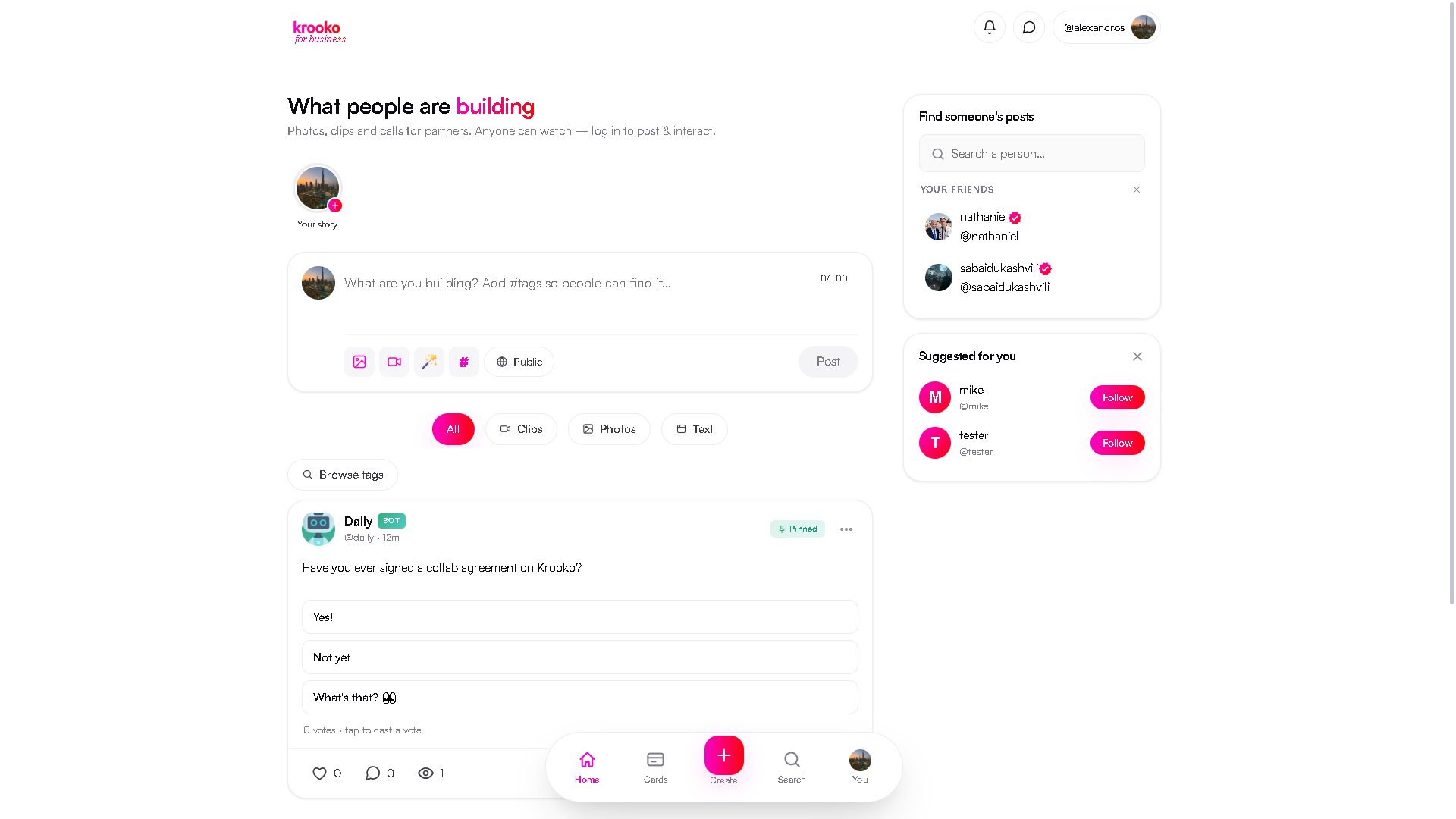
The feed composer, with the magic-wand button circled
On the feed, write your post first — then hit the magic wand next to the photo and clip buttons. AI rewrites it to be clearer and more likely to attract the right partner, keeping your language and voice, within the 100-character limit.
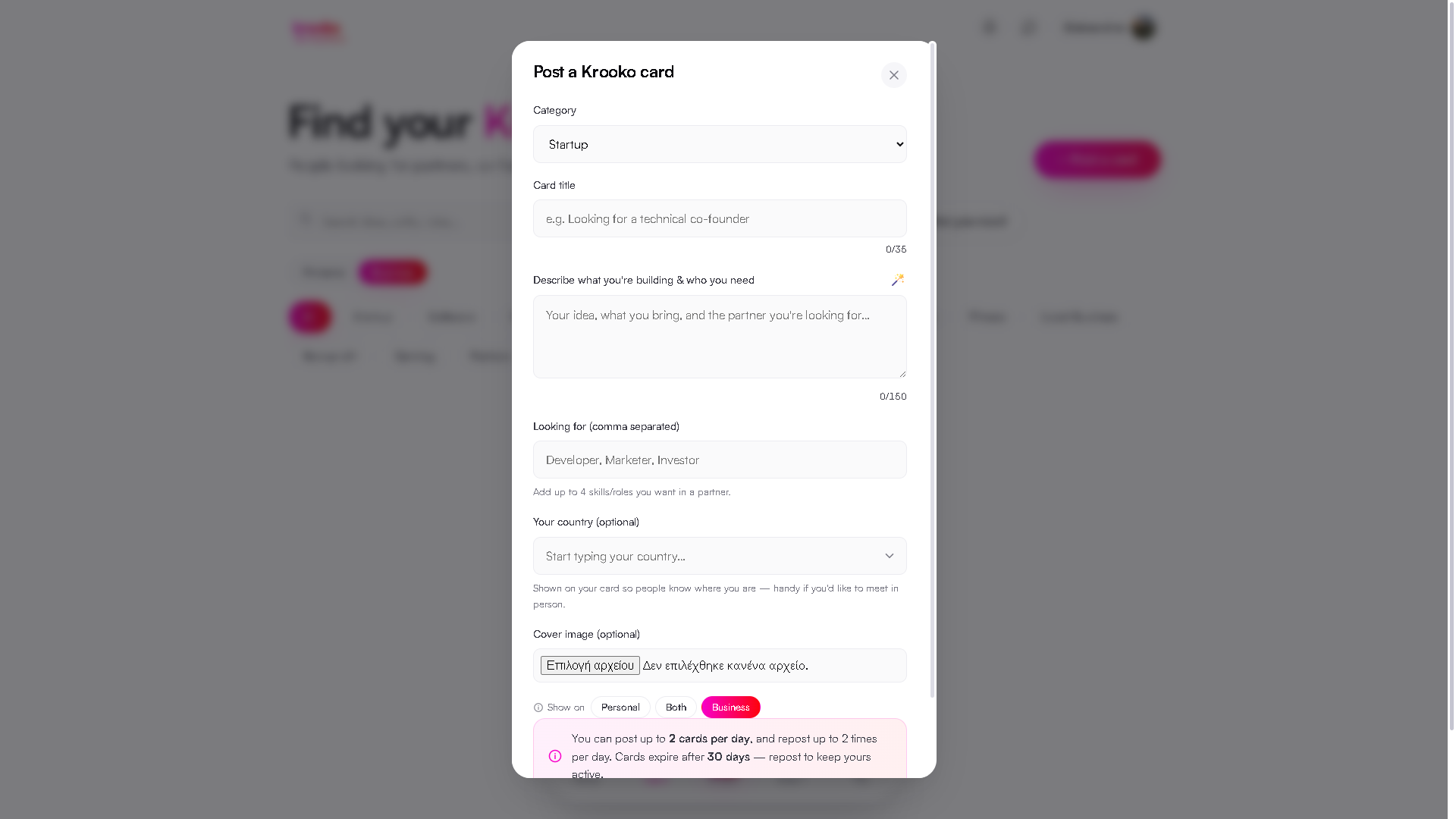
The card composer, with the magic-wand button beside the description field circled
It's on cards too — the wand sits beside the “Describe what you're building” label. Same one-click rewrite, up to 150 characters here.
#

Hashtag suggestions

Get found by the people actually searching for you.

The feed composer, with the hashtag button circled
The # button sits right next to the wand. Write your post, tap it, and AI adds a couple of specific, relevant tags — a skill, a role, an industry — straight into your text.

Describe what you need

Skip the scrolling — let AI find your best match.
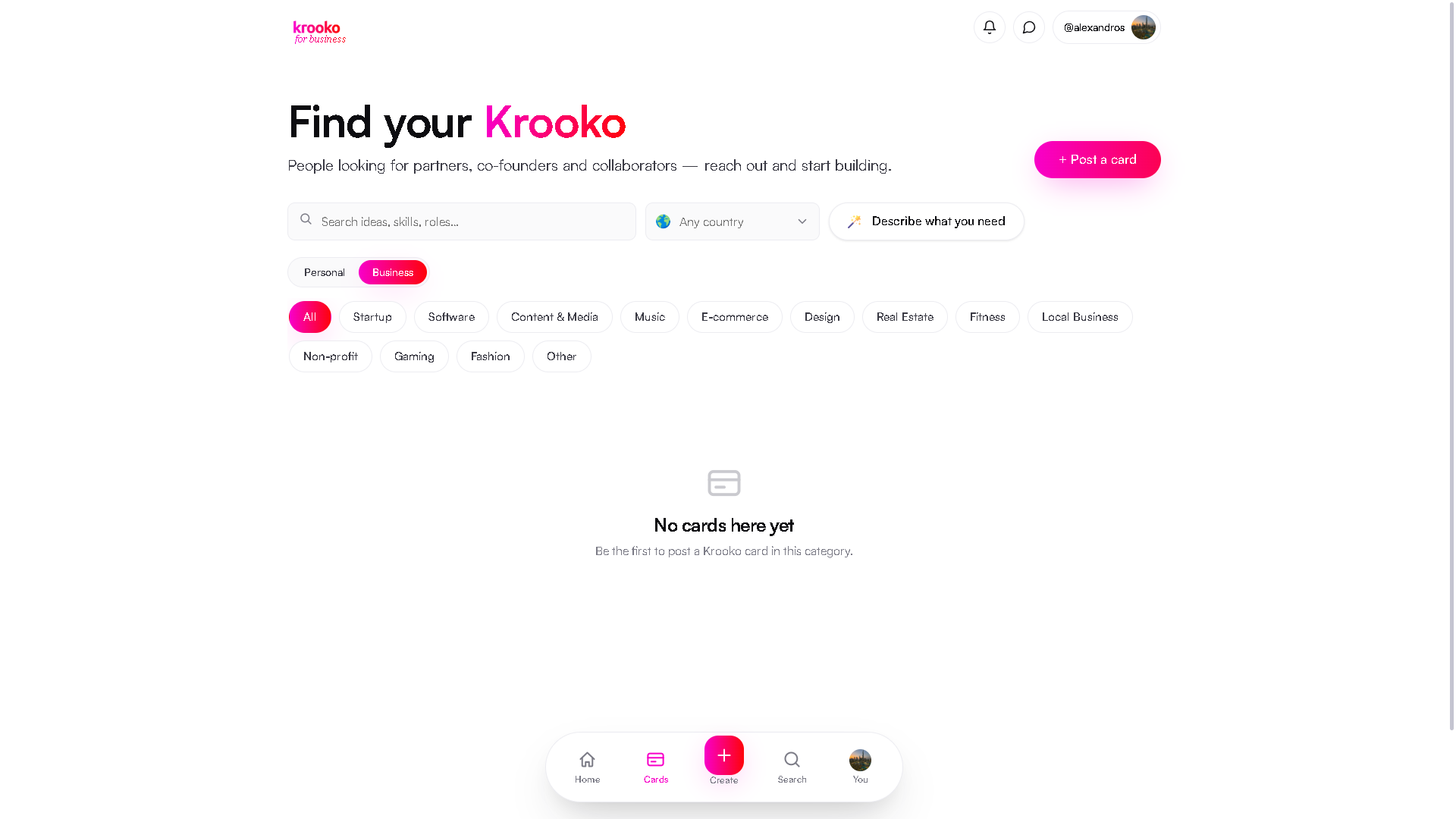
The Cards page, with the “Describe what you need” button circled
On the Cards page, type what you're looking for in plain language — a role, an industry, a vibe. AI reads every live card and picks the single one that fits best.

AI icebreaker

Never stare at a blank message box again.

Message someone from their profile or their card, then hit the magic-wand button next to the message box. AI drafts a short opening message based on what they're actually building — you read it, tweak it if you like, and send. It's a starting point, not an autopilot: you're always the one who hits Send.